
The Map
Arcana's Map window draws Tera as you have walked it: every room you have stood in, in three dimensions, level above level, with the ways on that you have seen from each. This page shows how to read it and how to get around with it. Every picture is the real Map window, on the map of one young character who has explored Mozartia and its park.
Open it from the Arcana menu (Alt+A), under Windows. The rest of the client is on the Arcana page.
A blank sheet that fills as you walk
A new character's map is empty. Each room you enter joins it, with the exits the game listed for you there. A room you have never been in is never drawn, and an exit you saw but didn't take shows only as a short stub: it says the map goes on, not where to. There are no percentages and no zone totals. How big a place is stays part of the mystery.
The game keeps your map, not the browser, so every step counts, whichever client you walked it in. Nobody else can see it. It records which rooms you know, never when or in what order.
The Map at a glance
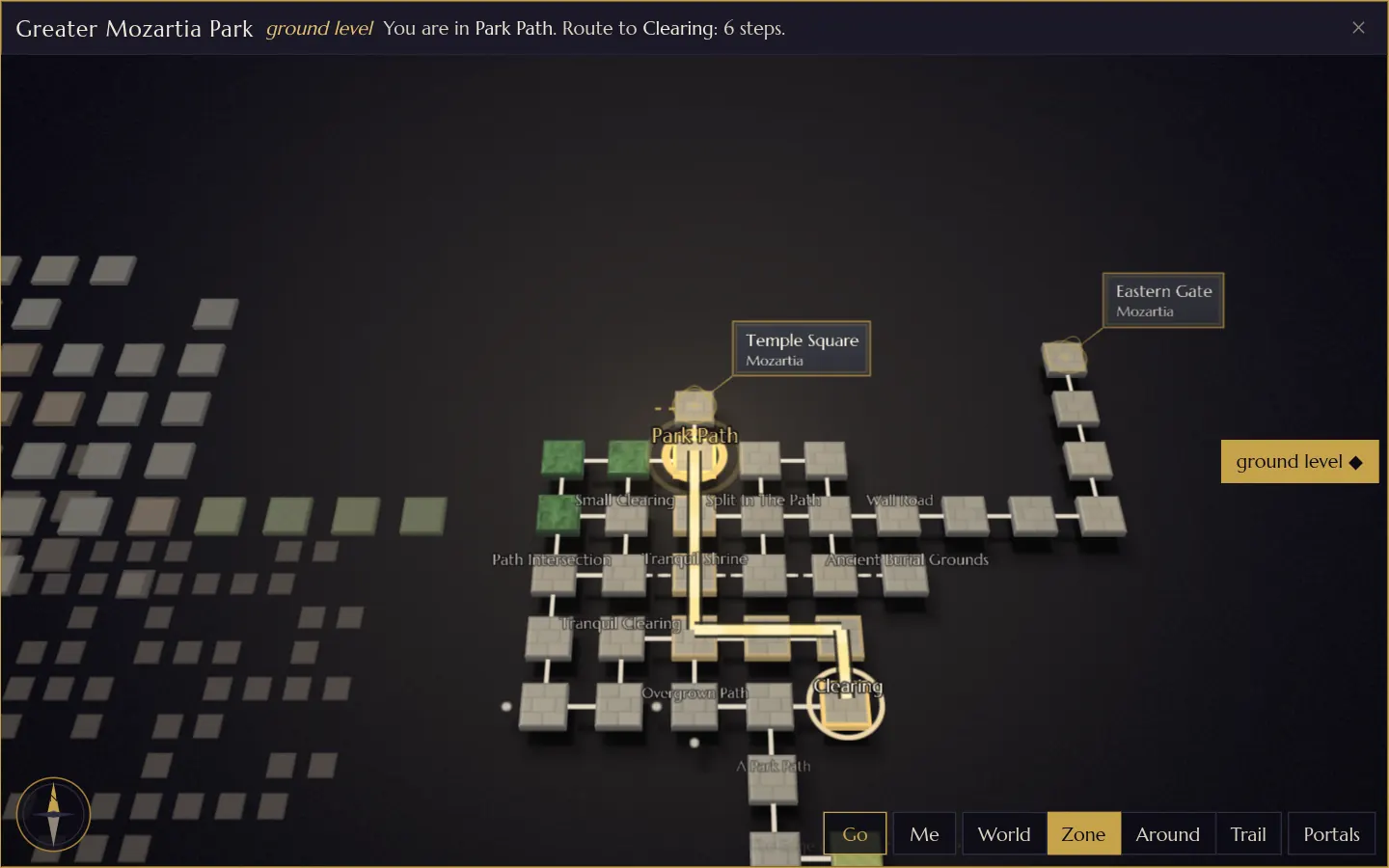 1
2
3
4
5
6
7
8
9
10
11
12
13
14
15
- Where you are looking. The zone in view, or Tera when you look at the whole world.
- The level in view. Ground level, 1 up, 2 below, or a name of its own.
- Where you are, and where you are going. The room you stand in, and with a room picked, the steps to it.
- You. A gold ring on your room. It glides along the path as you move.
- The route. A bright gold line over the ground you already know, its dashes flowing towards the end.
- The room you picked, ringed in gold.
- A portal card. This way on leads somewhere the ground can't show: the card names the room and its zone.
- Stubs. Exits you have seen and not taken yet.
- Next door. The zones around the one in view, dimmed.
- The level rail. One button for each level of the zone you have explored.
- Go walks the route. It shows once a route does.
- Me brings the view back to you.
- The four views: World, Zone, Around and Trail.
- Portals draws the arcs between zones.
- The compass. It turns with the view; click it to put north back at the top.
Reading the map
Each room is a tile, each way between rooms a line. The shape of the line says what kind of way it is, so colour never has to carry it alone.
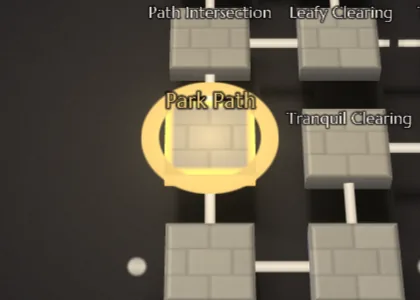
You
The gold ring, always on the room the game says you are in. The map moves you only when the game does.
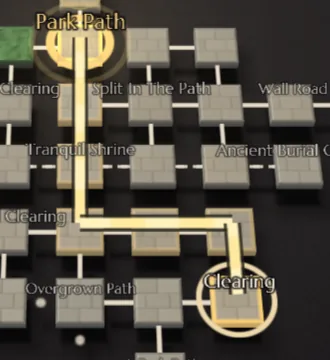
A route
A gold line from you to the room you picked, and a ring at its end. It only ever uses rooms you have explored.
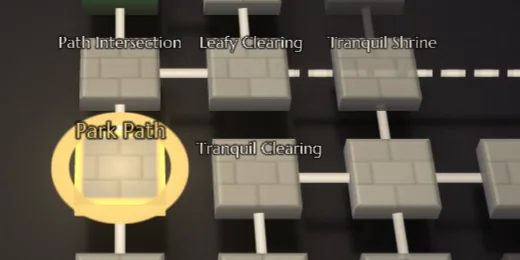
Ways between rooms
A solid line is one step. A dashed line is one step too: the map just had to leave room between. A curved line is an exit that doesn't run straight, a twisty lane or a path that loops back.
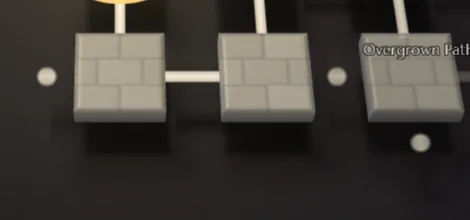
Stubs
Small dots at the edge of a room: an exit you have seen, leading somewhere you haven't been. Take it and the room appears.
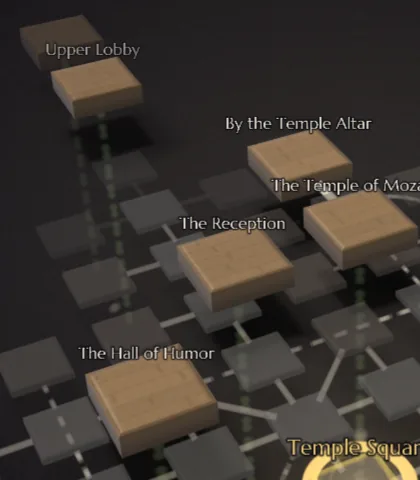
Up and down
Stairs, ladders and holes are dotted green lines standing straight up between levels. They are the only lines that do.
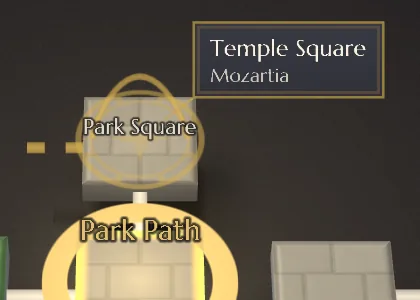
Portals
A gold ring and a card naming where it leads: a magic gate, a teleporter, or a way into a place the map draws elsewhere. Click the card and the view flies there. A portal shows once you have gone through it.
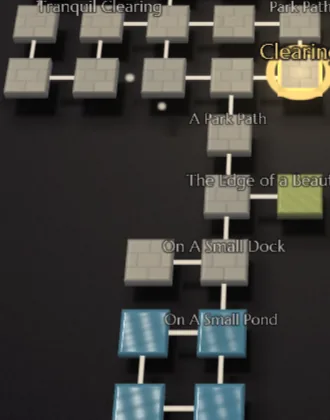
Ground
A tile takes its colour and texture from the ground: oak boards indoors, grey paving in town, greens for fields and woods, blue for water, sitting low and glossy, sand for deserts and beaches, rough stone for caves.
Levels
The level you are looking at is solid and lit. Levels above and below it turn grey and fade with distance, so you can see how a place stacks without losing your floor. Use the level rail, or Page Up and Page Down, to look at another level. Take the stairs and the view goes with you: the floor you leave sinks or rises away, and the new one fades in around you.
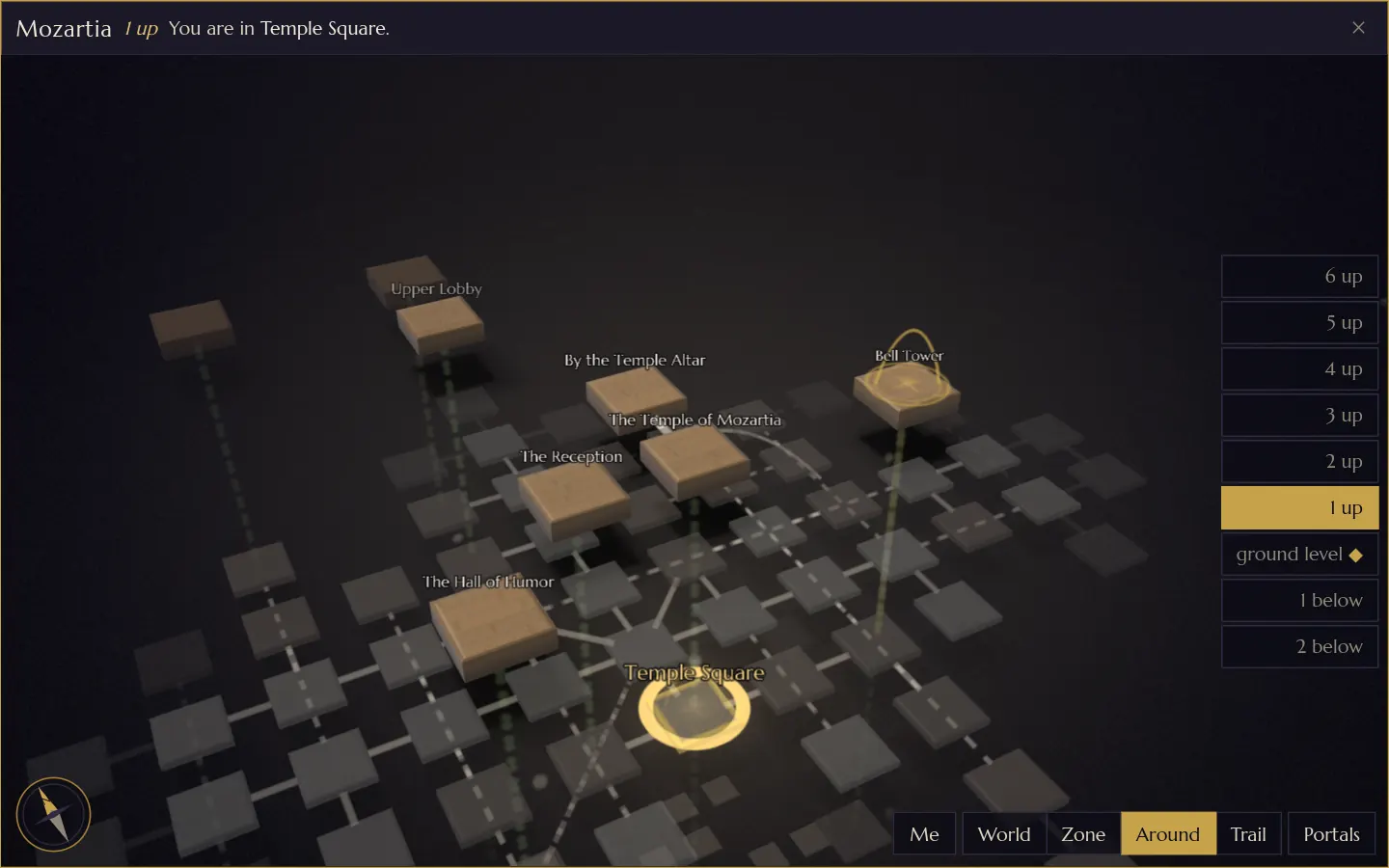 1
2
3
4
5
6
7
- The level in view, here 1 up.
- The level rail. The lit button is the level in view; the diamond marks the level you stand on.
- Rooms on that level, solid and lit.
- Ways up and down, dotted green.
- Ground level, greyed beneath.
- You, still down on the street.
- A portal: the bell tower's way back down.
Four ways to look
The buttons along the bottom set the view. Zooming with the wheel or a pinch moves smoothly between them too: rooms melt into the shapes of their zones as you pull back, and come back as you go in.
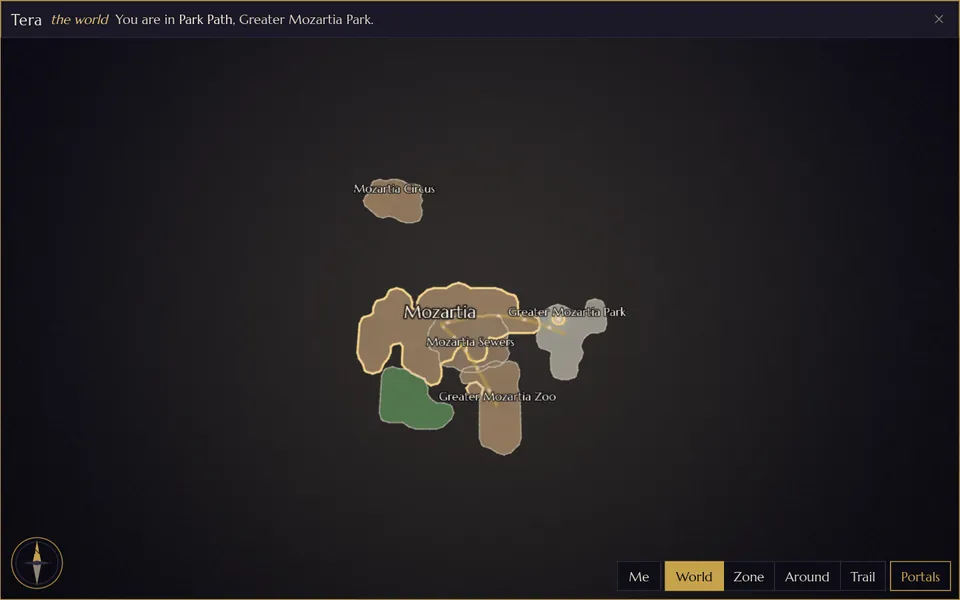
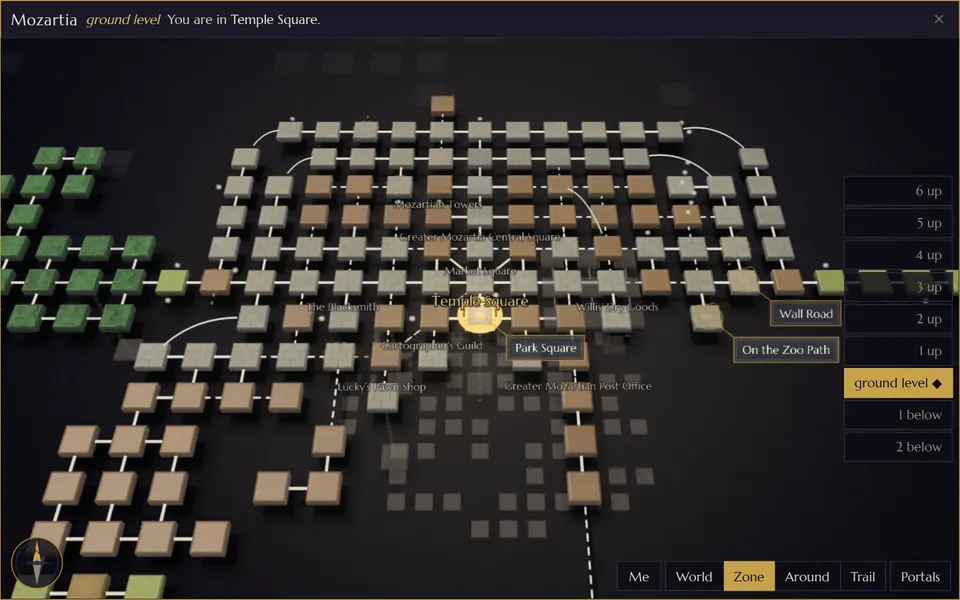
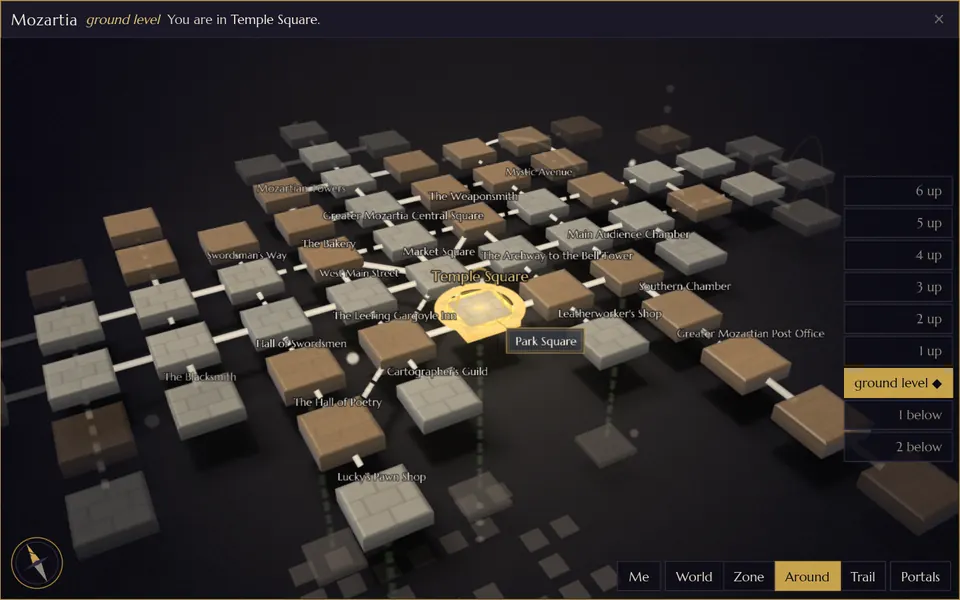
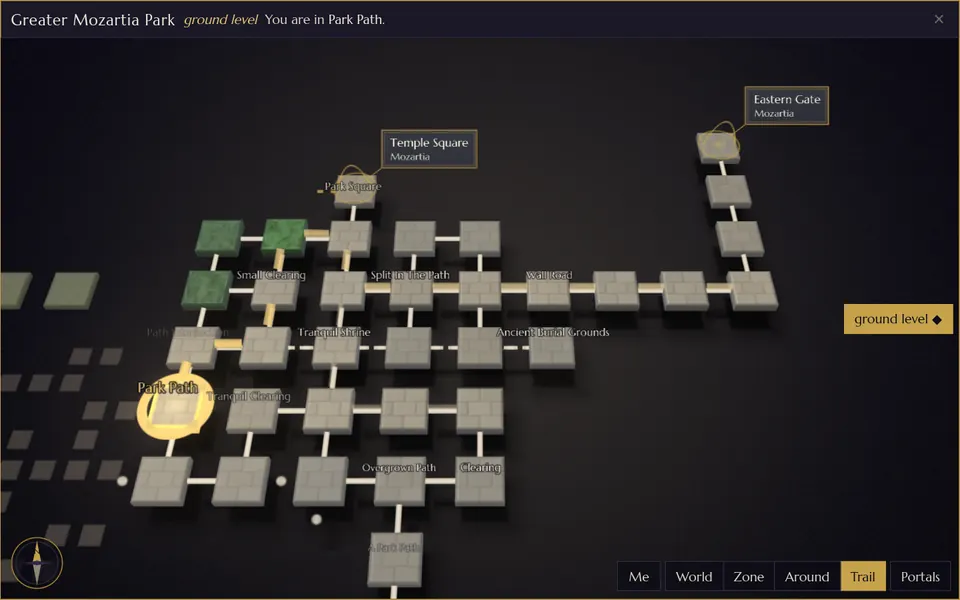
The trail is your last 80 rooms. It is kept in this browser only and is never sent anywhere. A recall, a portal or any other jump starts it afresh.
Walk there
The Map can take you places. Pick a room, check the way, then let it walk.
-
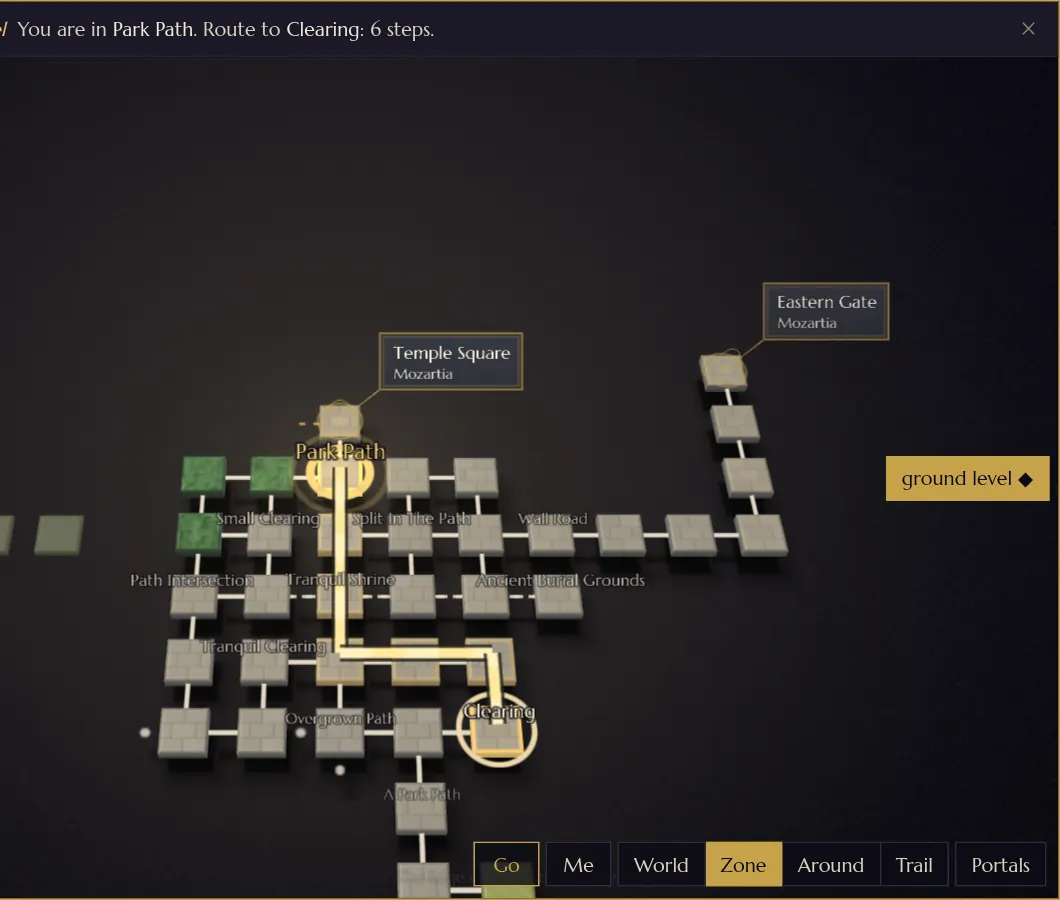
Pick a room
Click or tap any room you know. The route appears and the title bar counts the steps: Route to Clearing: 6 steps.
-
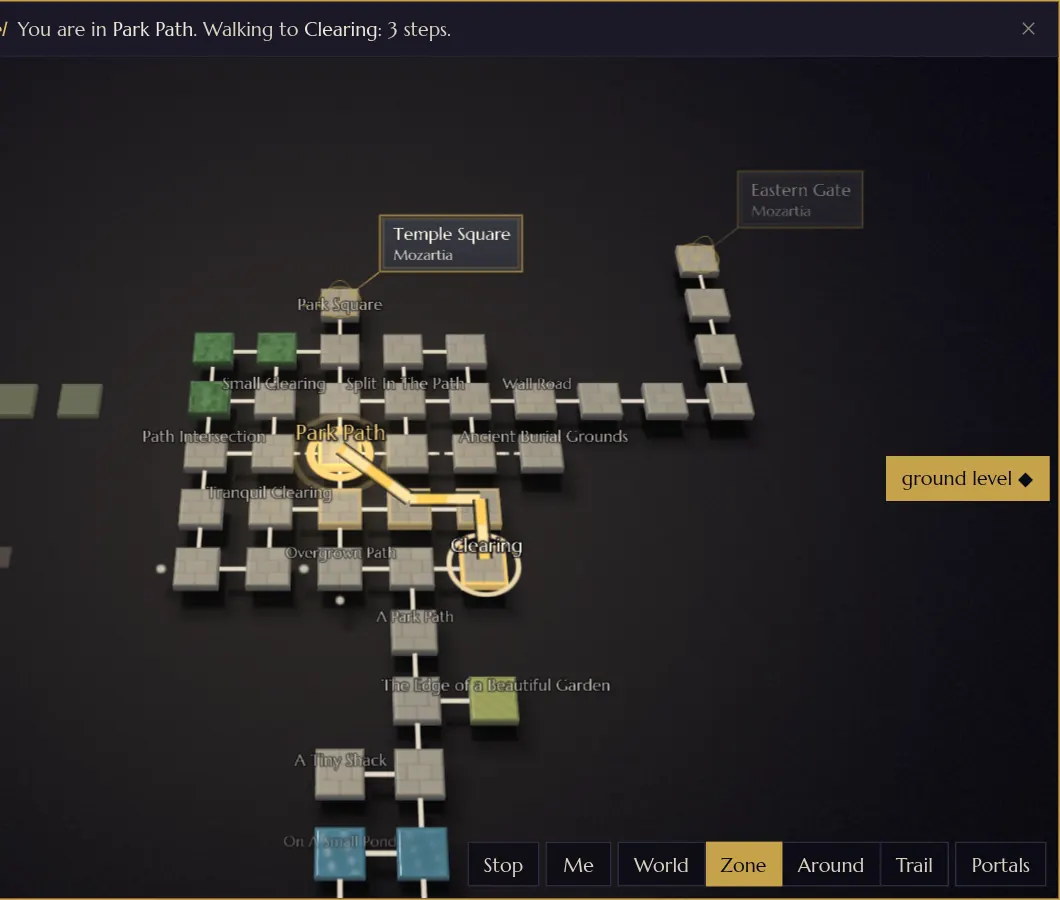
Walk it
Click the room again, press Enter, or press Go. Arcana sends one ordinary direction at a time, at walking pace, waiting for the game to move you each step. Stop, Esc or any command you type stops it.
-
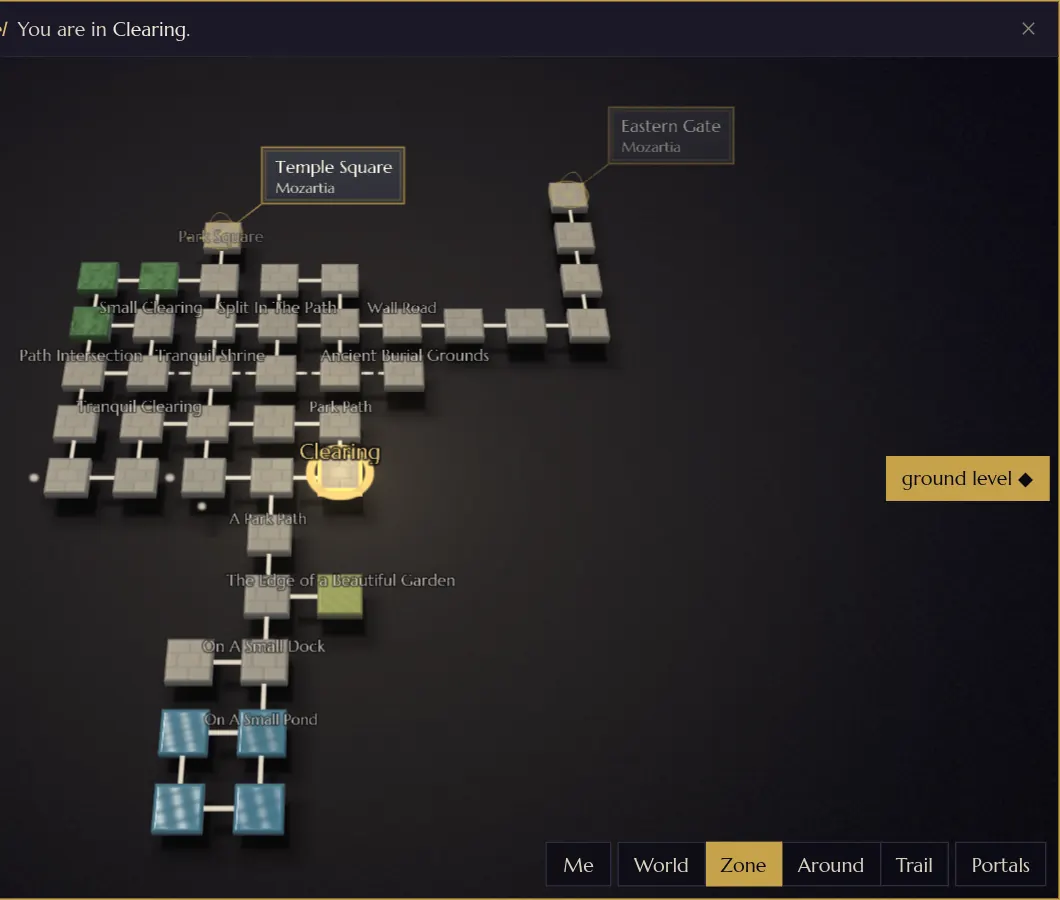
You are there
The ring settles on the room and the route clears.
A route follows exits only the way they go, so a one-way exit is never walked backwards. If a step doesn't move you, Arcana tries opening the door once and steps again; if the game still holds you (a lock, a fight, a wall), the walk stops. A walk that reaches a magic portal on the route stops in front of it: step through, then pick the room again. When there is no known way to a room, the title bar tells you: no way there on the map.
Moving around the map
| Mouse | Keyboard | Touch | |
|---|---|---|---|
| Move the view | drag | Shift+arrows | drag |
| Zoom | wheel | + - | pinch |
| Turn and tilt | right-drag, or Ctrl+drag | [ ] turn, { } tilt | twist two fingers; drag two fingers up or down |
| North up | click the compass | N | tap the compass |
| Back to you | double-click empty ground, or Me | Home | double-tap empty ground, or Me |
| Another level | the level rail | Page Up Page Down | the level rail |
| Views | the buttons | W Z A T, P for portals | the buttons |
| Pick a room | click it | tap it | |
| Walk the route | click it again, or Go | Enter | tap it again, or Go |
| Stop, or let go of a room | Stop | Esc | Stop |
| Step one room | arrows |
With the Map in focus, the arrow keys walk you through the game itself, one room per press, turned with the view so ↑ always heads away from you. They take only exits your room really has. Any key the Map doesn't use goes straight to the command line, so you can type without clicking away.
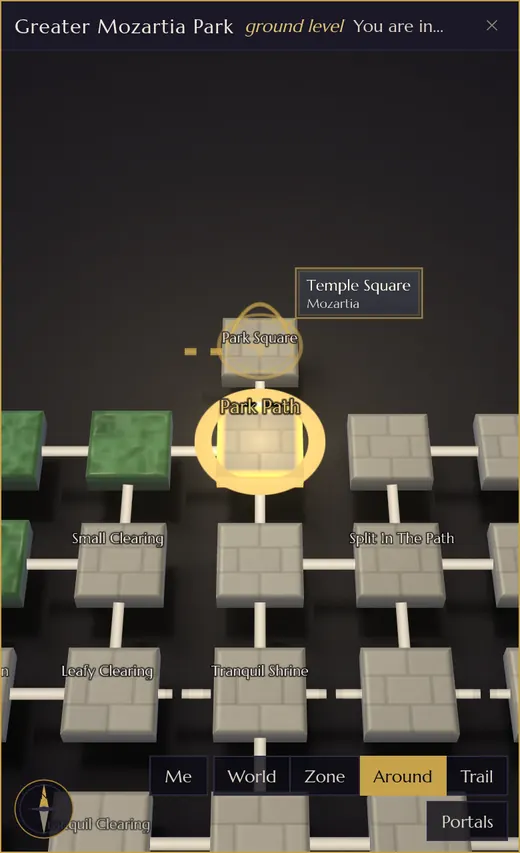
On a phone
In a narrow window, or on a phone, the Map opens close around you, in Around. World and Zone are a tap away, and pinching, twisting and tapping do everything a mouse does.
If your browser draws without the graphics card, the Map switches to a lighter look and says so in one quiet line. If you have asked your device for less motion, its flights and slides become short fades.
Your map is yours
Nobody else can see your map, and each of your characters has its own. The game stores which rooms you know and nothing more. If you want to explore again from scratch, map forget clears it, leaving only the room you stand in. It asks first; map forget yes does it. More in the help for map.
This map draws rooms. For Tera itself, its lands, seas and the place of every zone, see the World map. And for keeping up in a fight, Arcana has the Battle Board and the Battle Scribe.